

GET MORE FROM YOUR TRIP
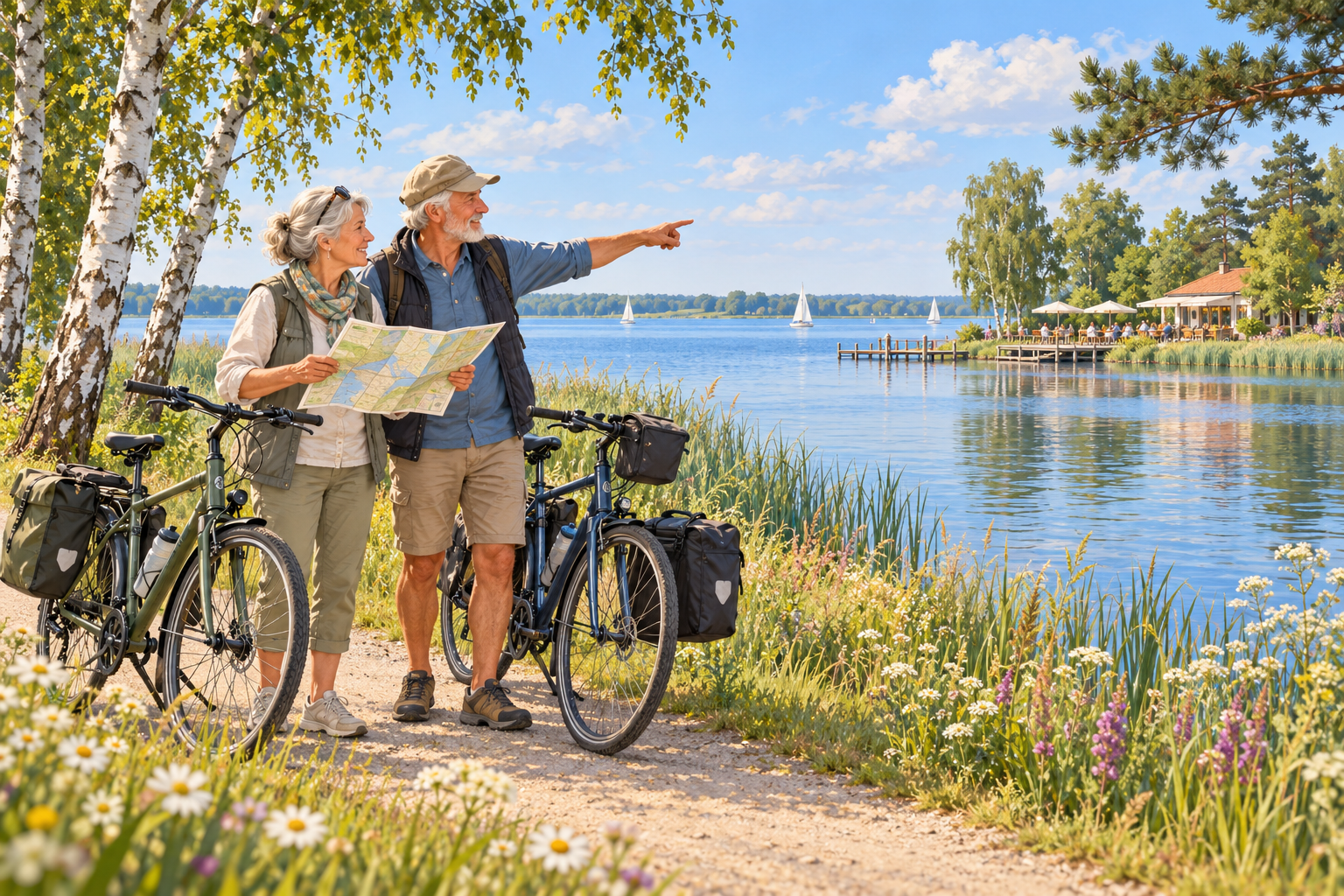
Fancy a trip to the lake or your favourite café?
Get more out of your bike tour!
Add the places you would like to visit
to your planned bike tour.
You choose the stops along the way.
Free of charge and no registration required –
the video shows you how.
EXPLAINED STEP BY STEP
How to add stops along the way
The third explanatory video
“Extend your route with new points” shows you the process:
adding extra points, setting their order and
then connecting them to your bike tour.
Extend your route with new points
English narration · AI-generated voice
© GeoBasis-DE/LGB · Geoportal Berlin · BKG · dl-de/by-2-0 · © OpenStreetMap
Add more points
Your cycle route is already connected. Select Add more points. You can now place additional points on the map.
Place points on the map
Place points on the map where you want to ride, in the order you want to visit them. Each point immediately appears with a number. The route is not recalculated yet.
Connect points into a cycling route
Select Connect points into a cycling route. Your route is now recalculated through the numbered points. Your start, destination and point order are preserved. You can then add and connect more points again.
YOUR ROUTE HAS MORE TO OFFER
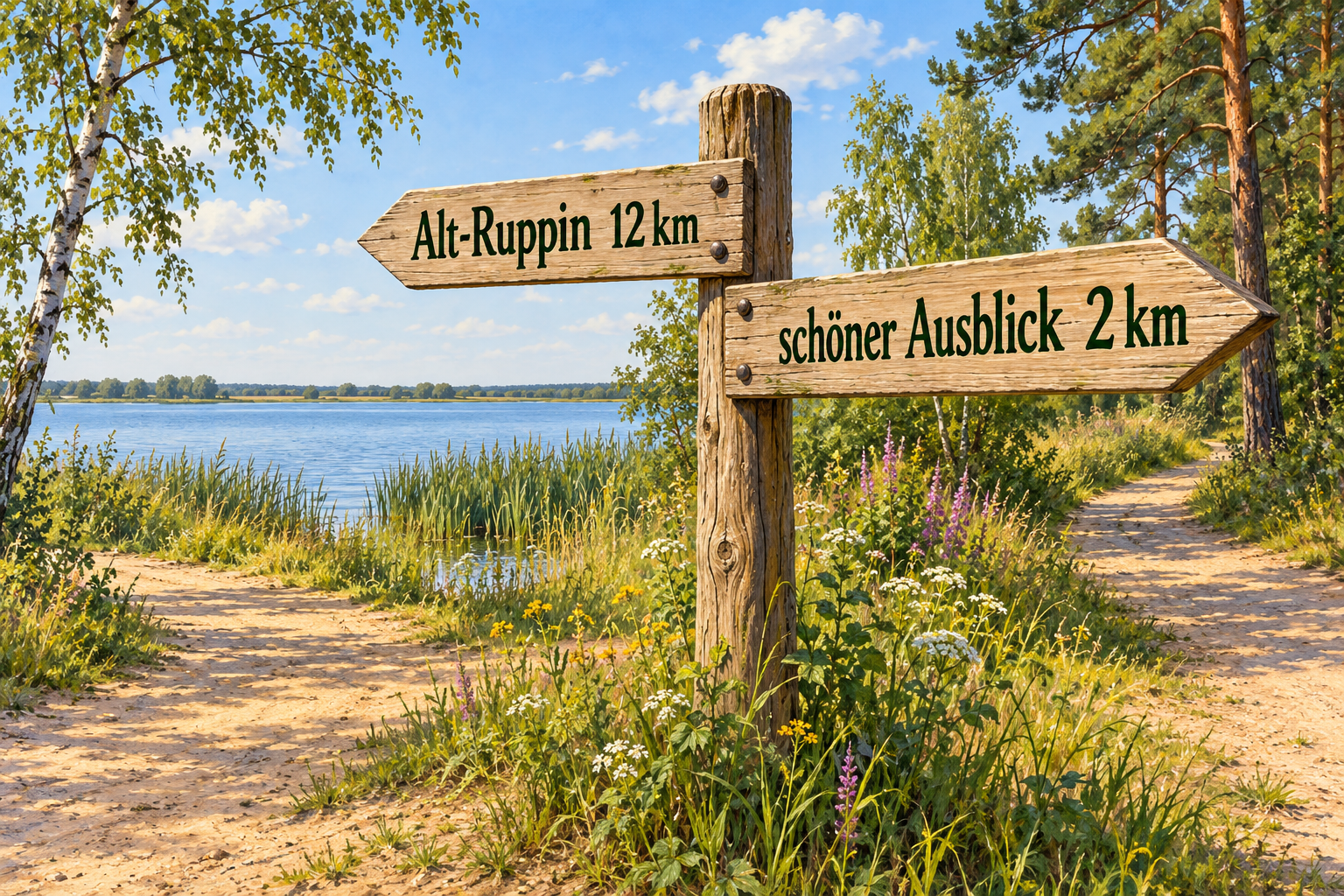
A scenic detour.
Another stop along the way.
You have already planned a bike tour in Brandenburg or Berlin and
would like to include another special place along the way?
With additional stops, you can extend your route in the
Radtouren OPR bike tour planner.
Your start and destination remain unchanged.
For your connected bike tour, choose “Add more points”.
Then place points on the map at the locations
you would like to pass through.
Click or tap them in the order you want.
Each new point is given a number immediately.
The route is not recalculated at this stage.
Once you have set your stops,
choose “Connect points to bike tour”.
Only then does the planner recalculate the route via the numbered points.
The start, destination and selected order remain unchanged.
You can then add more stops and connect them again –
all free of charge and with no registration required.
DISCOVER THE OTHER EXPLANATORY VIDEOS
Plan your bike tour step by step
Plan your first route,
adjust the start and destination or
create the route directly on the map.
Your next bike tour? Exactly the way you want it!
Choose your starting point and destination and
connect them to create your first route.
Would you rather start at the railway station? Or finish at the lake?
Move the starting point or
the destination of your planned bike tour.
Where should your bike tour take you? You choose the way!
Place points directly on the map and
connect them to create your bike tour.
Good to know
Can I add stops along the way free of charge?
Yes.
Planning and extending your bike tour is free of charge.
You can also watch the explanatory videos free of charge.
You do not need to register.
Is the route recalculated after each new point?
No.
First, your additional points appear on the map with a number.
Only when you choose “Connect points to bike tour”
is the route recalculated via these points.
Do the start, destination and order remain unchanged?
Yes.
The start and destination of your already connected bike tour remain unchanged.
The new points are included in the order in which you set them.
After connecting them, you can add more stops along the way.
Your bike tour.
With your stops along the way.
Completely free of charge. No registration required.
Add stops along the way now