



YOUR BIKE RIDE STAYS FLEXIBLE
Would you rather start at the railway station?
Or finish at the lake?
Easily adjust the start and destination of your bike ride on the map.
The route is recalculated automatically.
Free of charge and no registration required – explained in the video.
WATCH AND TRY IT YOURSELF
A new start.
A different destination.
Is your bike ride already connected?
The video shows
how to move the green start point or the red destination point.
Once you release it, the planner automatically recalculates the route.
Change your start and destination
English narration · AI-generated voice
© GeoBasis-DE/LGB · Geoportal Berlin · BKG · dl-de/by-2-0 · © OpenStreetMap
Move/correct start point
Your cycle route is already connected. Move/correct start point zooms the map to your start. Hold the green marker with your mouse or finger and drag it to the desired place. When you release it, your route is recalculated automatically. No extra confirmation is needed.
Move/correct destination
Move your destination in the same way. Move/correct destination zooms the map to your destination. Hold the red marker and drag it to the desired place. Release it there. Your route is recalculated automatically, while your starting point stays unchanged.
Explore places on the map
Tap a place marker. The popup contains information and a link to the detail page.
YOUR PLANS CAN CHANGE
Adjust the route
to suit your outing.
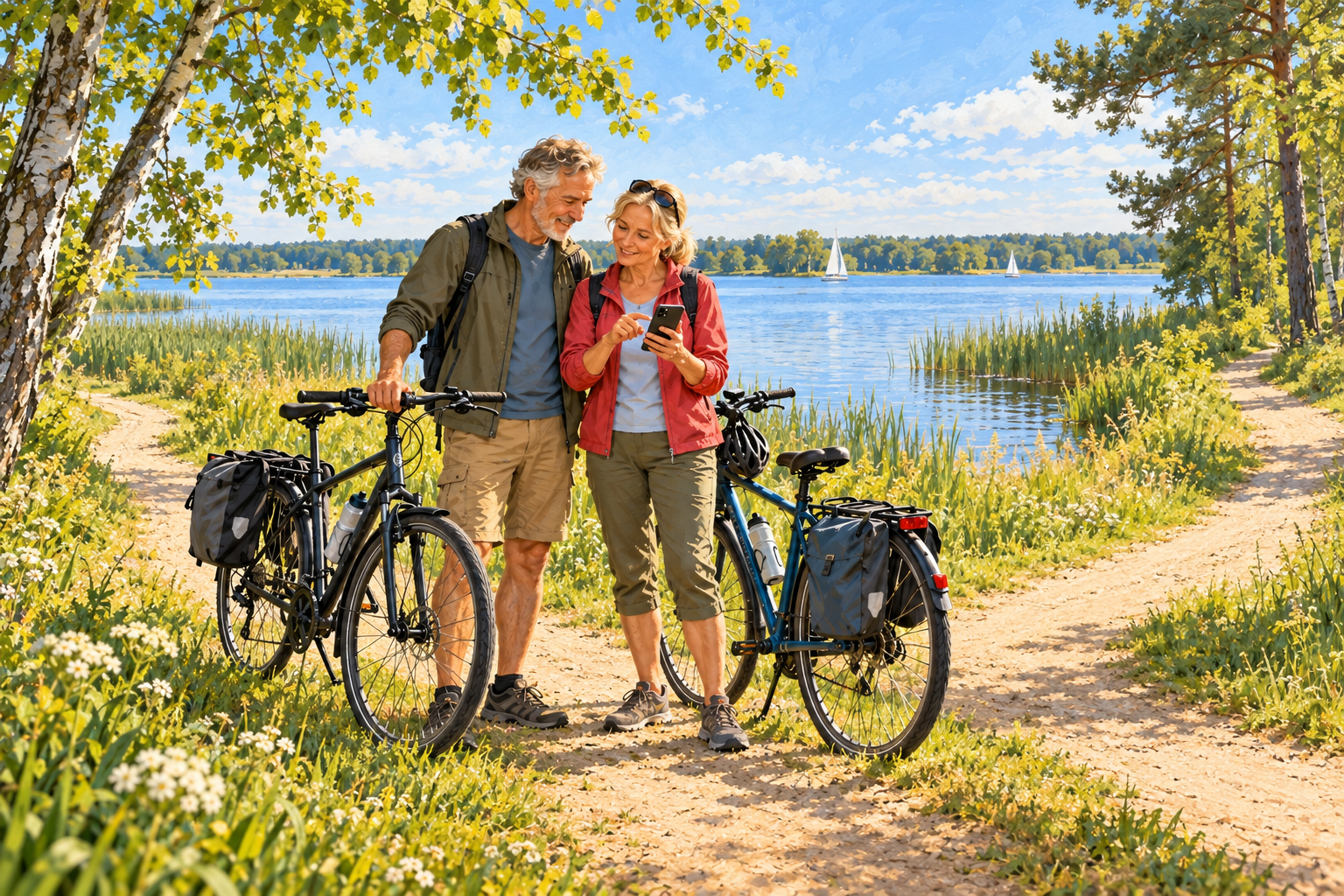
When planning a bike ride in Brandenburg or Berlin, it is not always clear right away
where it should start or end.
Perhaps you would like to start closer to the railway station or
finish your ride at a lake.
In the Radtouren OPR bike ride planner, you can change the start and destination
of an already connected route on the map.
Choose “Move/correct start point” or
“Move/correct destination point”.
The map shows you the respective point.
Press and hold the green start marker or
the red destination marker with your mouse or finger,
drag it to the desired location and
release it.
The route is recalculated automatically –
no additional confirmation is needed.
You only change the selected endpoint;
the other one remains unchanged.
This lets you adapt your bike ride to your outing plans.
The location symbols on the map also provide information about
interesting places along your route.
Everything is free of charge and no registration is required.
WHAT ELSE YOUR TOUR PLANNER CAN DO
Plan your tour step by step
From the first route draft to additional stops:
The other explainer videos will help you with planning.
Your next bike tour? Exactly the way you want it!
Choose your starting point and destination and connect the two to create your first route.
Fancy a trip to the lake or your favourite café? Get more out of your bike tour!
Add more stops along the way to your plan.
Where should your bike tour take you? You choose the way!
Create your desired route directly on the map.
Good to know
Does changing the start and destination cost anything?
No.
You can plan and adjust your bike ride free of charge.
The explainer video is also free of charge.
You do not need to register or create a user account.
Do I need to confirm the new position?
No. As soon as you release the green start marker or red destination marker at the desired location, the route is recalculated automatically. Your bike ride must already be connected for this to work.
Can I move the points on my smartphone too?
Yes. First choose “Move/correct start point” or “Move/correct destination point”. Then press and hold the relevant marker with your finger and drag it to the desired location. When changing the destination, the starting point remains unchanged.
Your outing.
Your start.
Your destination.
Completely free of charge. No registration required.
Adjust my bike ride now